

 LinkedIn
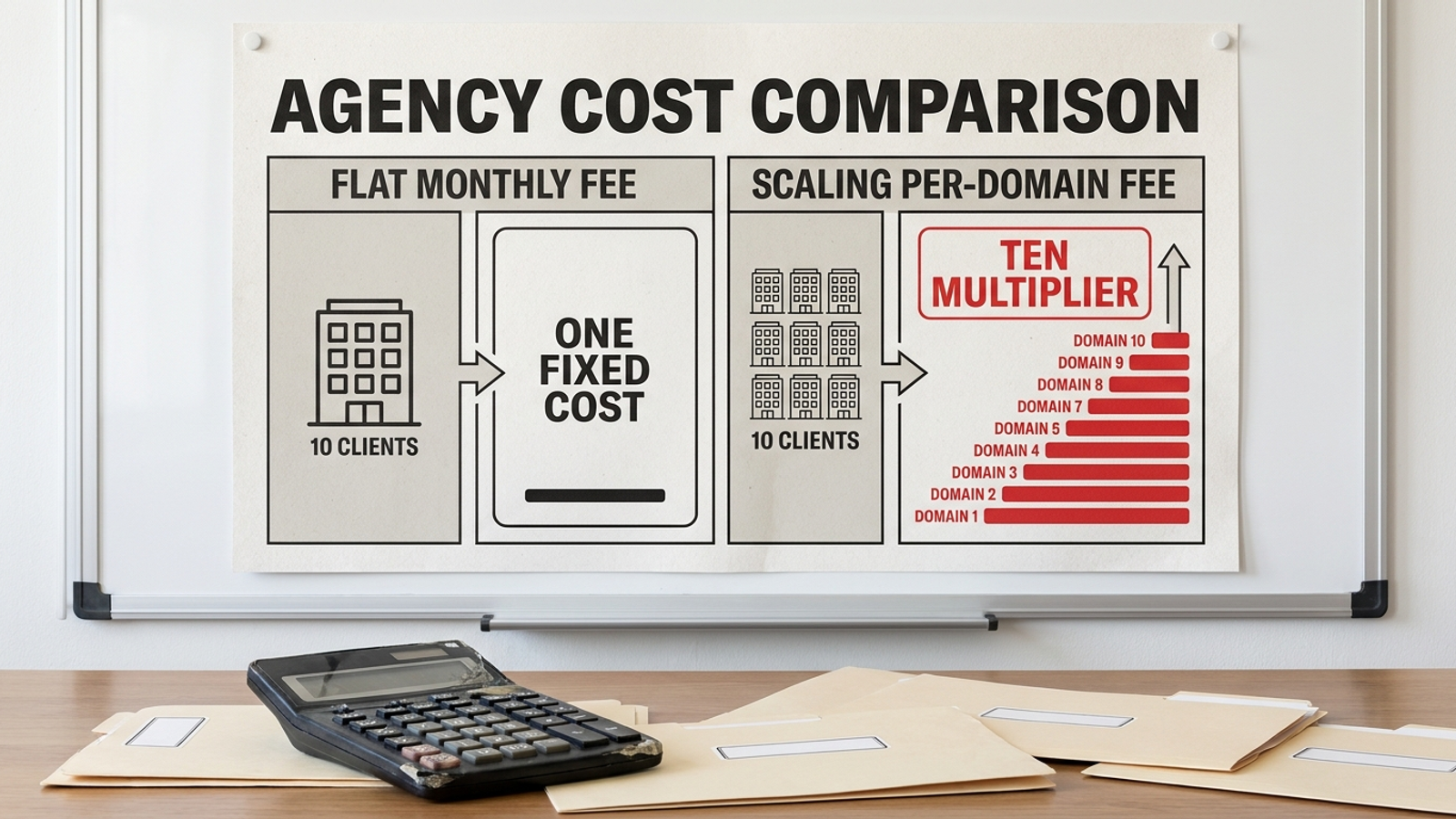
Most AEO platforms look cheap on the pricing page and expensive at client number six. One domain becomes ten; a modest prompt allowance meets ten clients’ buyer questions; seats, reports, and developer time turn a $500 retainer add-on into unpaid work. I have watched that math break with rank trackers and reporting seats. The vendor grows with your client count. You absorb the work. Before you package AEO into retainers, send these 16 checks to the vendor and ask for written answers. Price the same 10 domains you intend to serve, not the single domain in the demo. Mark an answer green when it gives you a number, a working demonstration, or a contract term; yellow when it promises a call or a scope after the trial; red when it leaves execution with your team, costs uncapped, or client assets at risk. One red ends the call. Two yellows deserve the same treatment.
Pricing: find the meter before client six
-
Flat per domain, or metered by prompt or keyword? Ask whether each client domain has a flat price with prompts and keywords included. If the answer is per-prompt or per-keyword metering, calculate the bill before you sell the retainer. One listed toolkit charges $99 a month per domain when billed annually for 25 prompts, one domain, and one user; another 50 prompts costs $60 a month, while another domain or seat costs $99 a month each. Ten domains alone put that example near $990 a month. I made the longer case in Dear SEO Agency Owner: Don’t Sell AEO by the Prompt. Get the unit price in writing.
-
Price prompt 501 and domain 11. Ask for one quote at 10 domains and 500 prompts, then another at 11 domains and 1,000 prompts. Those two figures expose the jump a base-plan price conceals. A useful answer states the allowance, overage rate, and any volume discount on the order form. “We’ll scope it after the trial” is not a price. It leaves your cost per client open-ended precisely when clients ask to track more questions, which is what a useful AEO service should let them do. Do not build a fixed-fee retainer around an unknown meter.
-
List setup, onboarding, seat, and report-login fees. Ask for every one-time charge and every recurring charge, including what happens when a producer or client needs access. A fee does not have to be zero; it has to be fixed and visible in the quote. Otherwise, the first client review that needs another login changes the margin on an account you have already sold. Keep the written fee list with the order form, rather than relying on what sounded included during the demo. Price access for the team that will actually run 10 accounts.
-
Name the engines included at the base price. Ask which engines the plan you would resell covers and which require an add-on. If your proposed service reports on eight engines, get the price for all eight rather than assuming the entry plan includes them. The listed entry plans illustrate the trap: Profound Starter at $99 a month is ChatGPT-only, Peec Starter at $95 a month covers three of six engines, and Otterly at $29 a month covers four with paid add-ons for the rest. Compare the deliverable you intend to sell, not the smallest number on the pricing page.
-
Define a billable event. Ask whether re-crawls, scheduled checks, API pulls, extra users, and client reports trigger charges. “Prompts included” is not enough if routine use of the account starts a different meter. The cleanest answer for an agency is a per-domain price that covers the work and access you expect to use; any exception needs a stated rate and limit. Ask the vendor to put the definition in the contract, then use that definition in your retainer math. A pricing model you cannot explain in one sentence will be no easier to defend to a client.
Scale: make the vendor show all 10 accounts
-
Show one dashboard for 10 domains, with bulk actions. Ask the vendor to demonstrate one login containing all 10 accounts, per-client permissions, and bulk publishing and approval. A slide that says “multi-client” does not show whether a producer has to repeat the same action ten times. Watch the actual workflow, including how someone switches clients and checks what is waiting for approval. If bulk actions are missing, count the repeated work before you promise the service without adding headcount. Test at your volume, not on the vendor’s tidy demo domain.
-
Give each client its own prompt set without a new meter. Ask whether every domain can track its own 100–200 buyer prompts at the quoted price. One shared allowance across 10 clients is not the same as an allowance per client. Neither is a low initial cap followed by prompt packs whenever a client broadens the questions it wants answered. Get the allowance and any overage rate in writing for each domain. If the plan cannot accommodate the prompt sets you intend to sell, change the proposed retainer before you sign, not after client six asks for more coverage.
-
Quote reporting for all 10 clients. Ask for the total reporting charge, including branded exports and client logins, across 10 accounts. Per-client fees add up even when an account needs only a modest report: listed examples put AgencyAnalytics at about $20 per client per month and Distribb at $97 per client project, alongside flat-tier dashboards at $125–$195 a month. Those are different pricing structures, not interchangeable base prices. Have the vendor quote the reporting setup you will actually use, including who can receive and open each report.
Execution: make them ship a fix, not assign one
- Show a page going live in the client CMS. Ask the vendor to publish a page in WordPress, Shopify, or Webflow while you watch, with the approvals and rollback process visible. Some agency visibility tools are described as monitoring-only: Peec AI has no action workflow in that comparison, and Otterly is described as having no optimization. A tool that shows where a brand stands but does not rewrite content, build schema, or land PR still leaves your team answering “so what do we do about it?” If the output is a task list, you are buying a dashboard, not fulfillment. I draw that line in White-Label AEO That Leaves the Work to Your Team Is Just a Dashboard.

-
Identify who ships technical fixes and where the proof lives. Ask who handles schema, internal links, and page rewrites. Then ask to see the log for a completed change: what changed, where it changed, and why. “We recommend improvements” is a different deliverable from making them. The distinction matters when a client expects the retainer to include execution and your producers are already full. If the platform depends on your team to finish every recommendation, put that labor in the price. Do not let an impressive monitoring view stand in for a record of shipped work.
-
Make the vendor demonstrate edge-proxy setup without a developer. Ask for the installation steps on a client site your account manager cannot edit in code. ThriveStack’s citedby claims self-serve setup in under two minutes without a developer, while the same comparison describes Profound’s CMS agents as requiring a WordPress, Contentful, or Sanity integration and an enterprise sales process. Do not substitute either description for your own install test. Ask who needs access, what that person must do, and what happens when the client’s site is awkward. Two developer hours per client at $150 an hour would be $3,000 across 10 sites in one-time setup work. Keep that separate from the monthly bill, but do not pretend it is free.
White-label: look beyond the logo on the PDF
-
Check your domain, login, emails, and exported files. Ask whether reports can come from reports.youragency.com with your logo and colors on the login and emailed PDFs, and no vendor name in the footer, filename, or PDF metadata. Ask who controls client logins. A logo-swap PDF is branded reporting, not the full white-label service. The white-label depth check includes those details because a missed filename or footer reaches the client as surely as the report does. Request real samples, open the files, and inspect what your client will see before you put your name on the service.
-
Get a client-facing log of actions, changes, and wins. Ask for a sample weekly report you could forward under your brand without rewriting it. It should show what changed and who did the work, not just a movement chart and a paragraph of insights. Ask about revision rules when the work misses a client goal. Black-box delivery, generic reports, poor communication, and misaligned work are the reseller complaints this check is meant to catch. If the vendor cannot show the work clearly to you, you will struggle to explain it clearly to the client.

Contract and exit: price the work you cannot see on a demo
-
Put the term and cancellation window on the order form. Ask whether the deal becomes month-to-month with 30 days’ notice after any pilot. A 3–6-month initial term followed by month-to-month service with 30 days’ notice is one cited model. The same source flags a 12-month lock without a performance exit, automatic renewal with a 60–90-day cancellation window, and a termination fee equal to the full remaining value. “Annual upfront, and our code comes off on cancel” is two problems, not one. Read the exit language before your client signs a shorter retainer with you.
-
Keep client logins and history under client control. Ask who owns Search Console, GBP, and each client’s prompt history. Then ask what you can export, in what format, and how quickly after cancellation. Keep ad and analytics assets under client logins with the agency as manager rather than discovering at exit that the vendor is the only account holder. Get the answer in the contract. A promise that “you’ll have access” during the subscription does not answer who controls the accounts when it ends. Your service can change vendors; a client should not have to rebuild its account history to follow you.
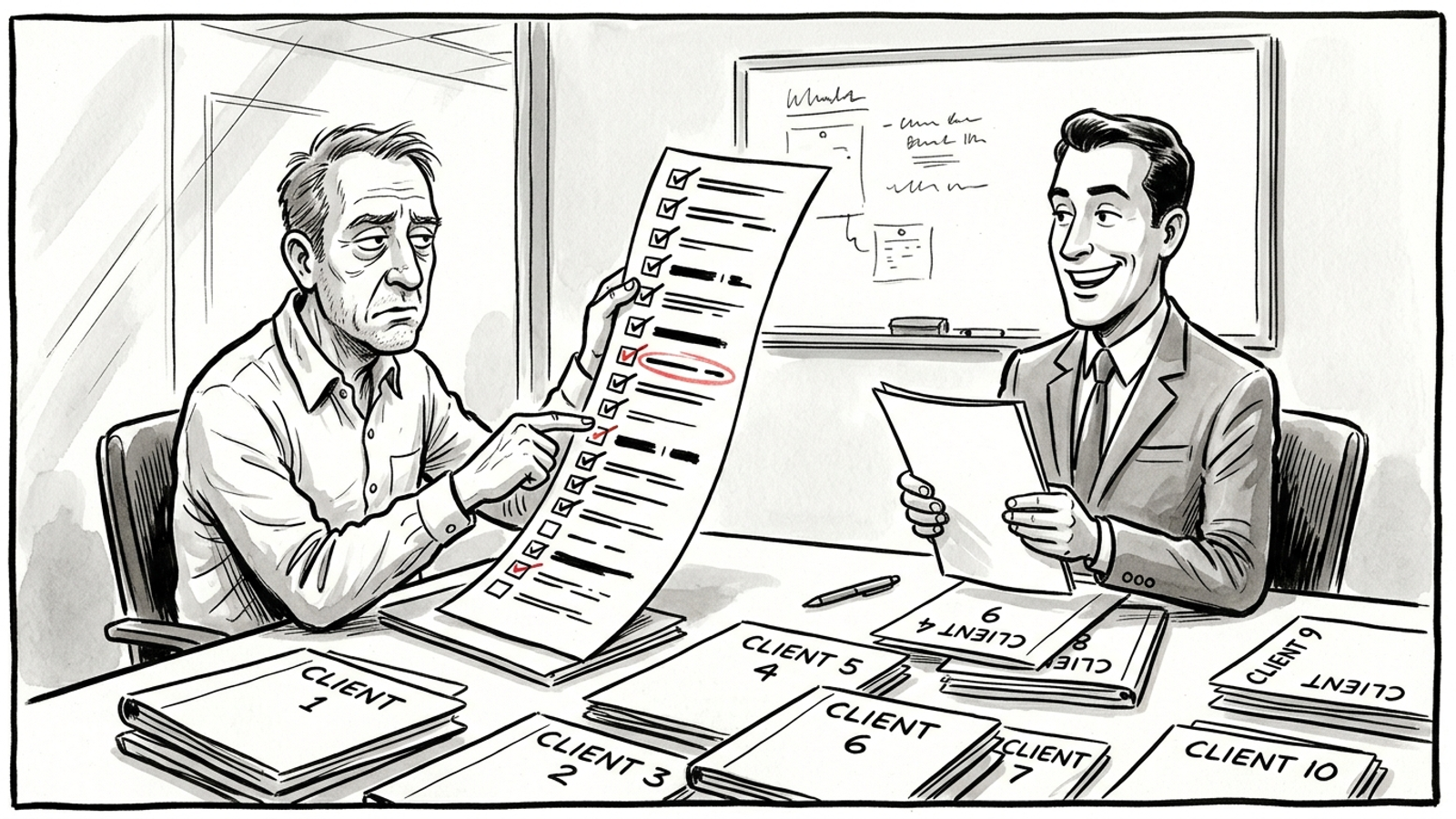
- Write down exactly what stays live if you cancel. Ask which pages, schema, and citations remain on each client site, what gets removed, and whether content and schema code transfer on payment. Ask for tracking-history exports within 30 days and the keep-live list in the contract. This is the line agencies skip most. I used to tell clients to start with tracking and add execution later. I was wrong: the task list creates labor you did not price, and temporary fixes create a promise you cannot keep. At $1,000 a month across 10 clients, you have $10,000 in monthly retainer revenue before vendor fees, seats, prompt packs, and your team’s weekly execution time. groas for agencies offers per-domain pricing, shipped content, technical fixes and citations, and weekly reporting under your brand; put any vendor’s answers beside that standard in writing. If pages, schema, or citations disappear when you leave, one cancellation can turn into ten difficult client calls. That is the cost of skipping this line.