

 LinkedIn
Our edge logs showed robots.txt was the most-fetched file by verified AI bots last month, including 1,222 live-answer fetches from Claude-User alone. Before you buy an AI-visibility tool, make sure the fetchers you want can reach your pages and find an answer worth quoting.
I used to tell clients AI visibility was a content problem. I was wrong. A page can have the right answer and still fail at the first hurdle: the bot cannot fetch it, the offer is hard to identify, or the answer sits three scrolls below the question. Start with the parts you can inspect and change. Here are seven blocks I would paste before paying for another dashboard.
Swipe 1: Let answer fetchers in without inviting training crawlers
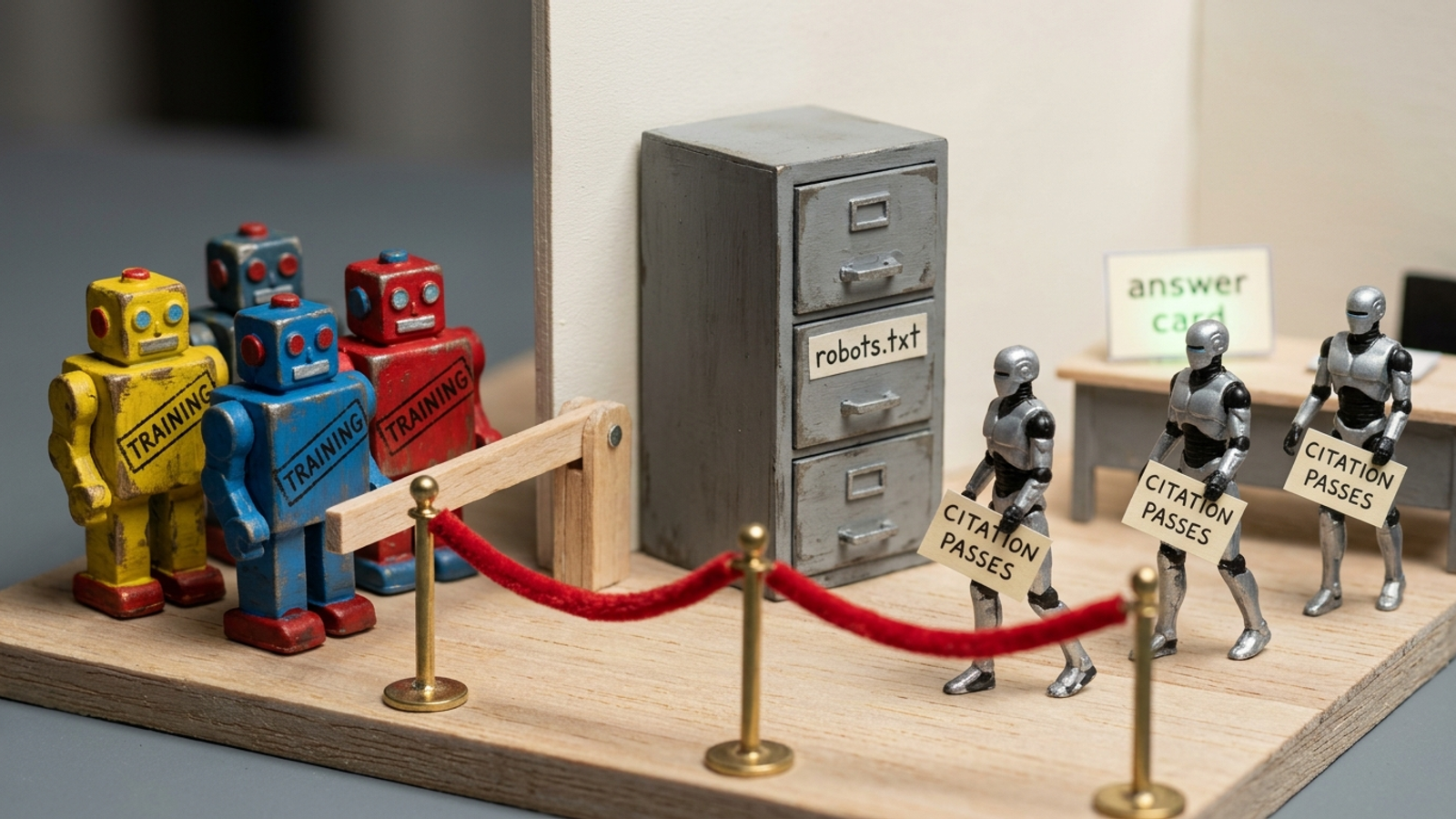
Use this when your robots.txt predates 2023 or came from a template that says to block every AI bot. Training crawlers and live-answer fetchers do different jobs: GPTBot and ClaudeBot collect training data, while OAI-SearchBot, Claude-SearchBot and PerplexityBot serve search and answer experiences. If you want those experiences to read your public pages, do not lump their fetchers into a training opt-out.
# Allow search and live-answer fetchers
User-agent: OAI-SearchBot
Allow: /

User-agent: ChatGPT-User
Allow: /

User-agent: Claude-SearchBot
Allow: /

User-agent: Claude-User
Allow: /

User-agent: PerplexityBot
Allow: /

# Make training-related choices separately
User-agent: GPTBot
Disallow: /

User-agent: ClaudeBot
Disallow: /

User-agent: Google-Extended
Disallow: /
The one adjustment that matters: inspect your existing rules before adding these. Look for User-agent: * followed by Disallow: /, and for a disallow list that puts OAI-SearchBot or PerplexityBot alongside GPTBot. A copied bot-blocking toggle caused exactly the kind of access problem we tore down here. Delete conflicting blocks rather than assuming a new Allow line cancels every old rule. Keep your training decision separate from your citation decision. For Perplexity, allowing its bot is step one; submitting your sitemap to Bing Webmaster Tools is step two.
Swipe 2: Give your brand one clear identity in Organization schema
Use this on your homepage or about page, especially when your name matches other businesses or social profiles outrank your site. sameAs links an organization to its profile and directory URLs. The block gives a reader of your markup the same basic identity your page should already make obvious.
{
  "@context": "https://schema.org",
  "@type": "Organization",
  "name": "[YOUR COMPANY NAME]",
  "url": "https://[your-domain.com]/",
  "logo": "https://[your-domain.com]/logo.png",
  "description": "[One sentence: what you sell and who it is for.]",
  "sameAs": [
    "https://www.linkedin.com/company/[handle]",
    "https://x.com/[handle]",
    "https://www.crunchbase.com/organization/[slug]",
    "https://www.wikidata.org/wiki/[Q-ID-if-you-have-one]"
  ]
}
The one adjustment that matters: keep only URLs for profiles that belong to you; delete the others, including the Wikidata line if you have no entry. Do not leave bracketed examples in the published markup. Profiles tied to the right brand identity are more useful than a long list of stray mentions. Paste the block, check that the URLs resolve, and move on. This is identity work, not an invitation to spend an afternoon collecting every account you opened in 2017.
Swipe 3: Make Product or Service schema agree with the page
Use this where the offer itself answers the buyer’s question: a product, pricing or service page. For a Google Product rich result, a name and at least one of review, aggregateRating or offers are required. More important for this swipe, the markup must describe what a visitor can actually see. If the page says $59 and the JSON-LD says $49, fix the mismatch before wondering why the markup fails.
{
  "@context": "https://schema.org",
  "@type": "Product",
  "name": "[Product name exactly as shown on page]",
  "description": "[One sentence from the visible product summary.]",
  "brand": { "@type": "Brand", "name": "[YOUR BRAND]" },
  "offers": {
    "@type": "Offer",
    "price": "[29.00]",
    "priceCurrency": "[USD]",
    "availability": "https://schema.org/InStock",
    "url": "https://[your-domain.com]/[product-url]"
  },
  "aggregateRating": {
    "@type": "AggregateRating",
    "ratingValue": "[4.8]",
    "reviewCount": "[214]"
  }
}
The one adjustment that matters: copy the price and any rating straight from the rendered page, not a feed or CRM. If there is no visible rating, remove the entire aggregateRating property; its example numbers are placeholders, not a shortcut to reviews you do not have. Markup should match content readers can see. For a service page, use "@type": "Service" and describe the offer the page actually makes. If the visible offer starts at $150, do not turn that into a claim that every buyer pays exactly $150. Match the page first. Worry about the snippet second.
Swipe 4: Put a quotable answer immediately under the question
Use this on a page meant to answer a buyer question such as “which tool fixes technical issues hurting AI visibility?” or “how do I get cited in ChatGPT and Perplexity?” Make the question an H2 and put a 40–60-word direct answer beneath it. Then explain the mechanism and give whatever proof the page can support. I rewrite pages this way before touching the decorative bits because a paragraph that makes sense alone gives an extractor less work to do.
## [Buyer question in their exact words?]

[Direct answer in 40–60 words. Name who it is for, what to do, and the outcome. Use the question’s key nouns. Do not make “this” or “it” stand in for the product.]

How it works: [1–2 sentences on the mechanism.]

Proof: [One specific number, timeframe, or condition you can substantiate.]
Here is the answer portion filled in:
## Who should fix technical SEO issues that hurt AI visibility?

Businesses whose pages load for people but not for bots should fix the fetch before rewriting the copy. If pricing sits behind JavaScript, a comparison table is an image, or robots.txt blocks search fetchers, an extractor may never reach an answer it can quote. Make the page readable, then make the answer direct.
The one adjustment that matters: read the answer without its heading. Can you tell what business, product or problem it means? If not, replace the stray pronouns with nouns. Repeating a product name can feel clumsy to the writer; leaving a quotation without a subject is worse. And do not manufacture a number for the Proof line just because the template has one. Use a condition you can show instead.
Swipe 5: Turn the comparison pitch into a table
Use this when buyers compare your offer with named alternatives. Specific, citable facts and a plain HTML table give Perplexity more to work with than vague claims. Engines tracked, refresh frequency, price, and who does the work tell a buyer more than “comprehensive platform.” What the deck calls differentiation, I call a table with no adjectives.
<table>
  <thead>
    <tr>
      <th>Option</th>
      <th>AI engines tracked</th>
      <th>Refresh</th>
      <th>Price</th>
      <th>Who does the fixing</th>
    </tr>
  </thead>
  <tbody>
    <tr>
      <td>[Your product]</td>
      <td>[8]</td>
      <td>[Weekly]</td>
      <td>[Flat $X/mo]</td>
      <td>[Done for you]</td>
    </tr>
    <tr>
      <td>[Competitor A]</td>
      <td>[3]</td>
      <td>[Monthly]</td>
      <td>[$Y/mo + % of spend]</td>
      <td>[You do it]</td>
    </tr>
  </tbody>
</table>
The one adjustment that matters: replace every bracketed cell with a value you can stand behind, then render the table in the page body as HTML, not a screenshot or a widget that hides the rows. The example shows how to make a comparison legible; it does not supply facts about your product or a competitor. If you cannot verify a competitor’s refresh frequency, do not borrow the placeholder. Pick a comparison you can make accurately. My test is simple: can a prospect compare the two rows without asking sales to translate them?
Swipe 6: Say plainly who should not buy
Use this directly below pricing or the comparison table. Buyers ask assistants who should skip a product, when it is too early, and what a poor fit looks like. If your page never answers, the assistant has to find that answer elsewhere. Put the boundary where a buyer can see it.
Who [YOUR PRODUCT] is not for: [YOUR PRODUCT] is a poor fit for [specific segment, e.g. single-location shops under $10k/mo spend] that need [what they need instead]. Those buyers are better served by [honest alternative]. Best fit is [your best-fit buyer in 12 words or less].
The one adjustment that matters: name a segment you would actually turn away. “Businesses under $10k a month in ad spend” is a usable boundary; “small businesses” tells nobody what to do. Then name the alternative without turning the paragraph into a sales objection script. A clear limit makes the rest of your fit claim easier to understand, both for a person reading the page and for an assistant asked to recommend one.
Before the last swipe: know when snippets cannot fix the site
Use this checkpoint when the first six blocks are in place but the pages still are not readable. A price or answer rendered only in JavaScript, a stale robots.txt served by an edge proxy, or conflicting Organization blocks injected by a CMS plugin will not yield to better wording. Fix the delivery problem before polishing another paragraph. Work through the technical AI-visibility repair order, or hand the job to someone who will. groas handles that repair as done-for-you work inside its SEO and AI search sprint. That is the point where pasting stops and ownership starts.
Swipe 7: Check the logs, not the promise
Use this a week after you paste Swipes 1–3, and again after a firewall or caching change. An Allow line expresses your intent; it does not prove the request reached the page. Cloudflare Bot Management and WAF rules can block an AI fetcher even when robots.txt permits it. A cached 403 can quietly produce the same outcome. Check what the fetchers were actually served before you declare victory.

# Last 200 AI-bot hits: who fetched and what status they got
grep -E "OAI-SearchBot|ChatGPT-User|Claude-SearchBot|Claude-User|PerplexityBot|Google-Extended" /var/log/nginx/access.log | tail -n 200

# Same check, grouped by status, user-agent field, and path
grep -E "OAI-SearchBot|ChatGPT-User|Claude-SearchBot|Claude-User|PerplexityBot" /var/log/nginx/access.log | awk '{print $9, $12, $7}' | sort | uniq -c | sort -rn | head -n 20
Look for 200 responses on /robots.txt and the pages you want cited. Then look for the opposite: 403, 429, or redirects that keep a fetcher from reaching the answer. A 403 may point to a WAF or bot-manager rule. A 429 points to rate limiting. Do not celebrate a successful robots.txt fetch while the product page itself returns a block; the citation needs the page, not merely permission to request it.
The one adjustment that matters: check the edge as well as the origin. If you use Cloudflare, compare Firewall Events for those user-agents with the same period in your logs. Say robots.txt allows PerplexityBot but the edge shows 40 blocked requests from it. Fix the blocking rule, then run the check again. If your access-log format differs, adjust the awk field numbers before trusting that second command; the raw lines are the fallback.
This is the swipe I would keep if I had to delete the other six. Say you spend $20k a month and an agency reports that citations are up. The log check tells you whether a fetcher got a 200 or a 403 on the page that should have earned one. It cannot promise a quote, but it can catch a blocked request. Everything else in this file is intention; the response is evidence. Run the check weekly, then follow the AI visibility checklist until the live-answer fetchers you choose to allow can actually reach the pages you want them to read.